
Demo LINE
Send one vehicle document or container document to see how the workflow reads and organizes it.
 Vehicle Docs AI Demo and Refund Prep
4. Prepare refund files
The workflow helps check B/L, export vehicle information and certificate files, then prepare vehicle ZIP files and CSV lists in Drive.
What the demo shows
Send one vehicle document or container document to see how the workflow reads and organizes it.
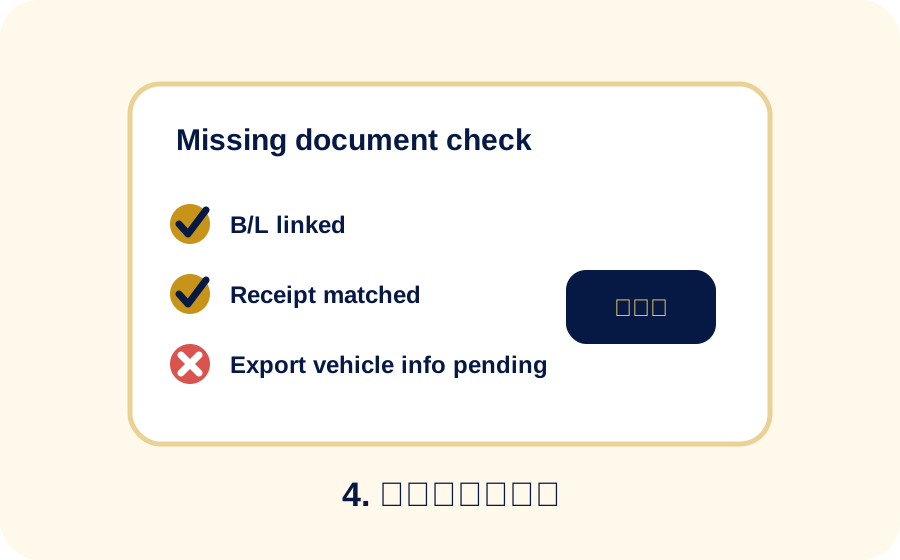
If required files are missing, the workflow shows what is still needed before preparation is complete.
Field problem
Teams have to find the vehicles, certificates, B/L and export information for the same container.
B/L may exist but be marked missing, or export vehicle information may be absent without being noticed.
Vehicle-level files, container folders and CSV lists take time to assemble by hand.
It should be obvious which containers are ready and what is still missing.
Files to prepare
Output image
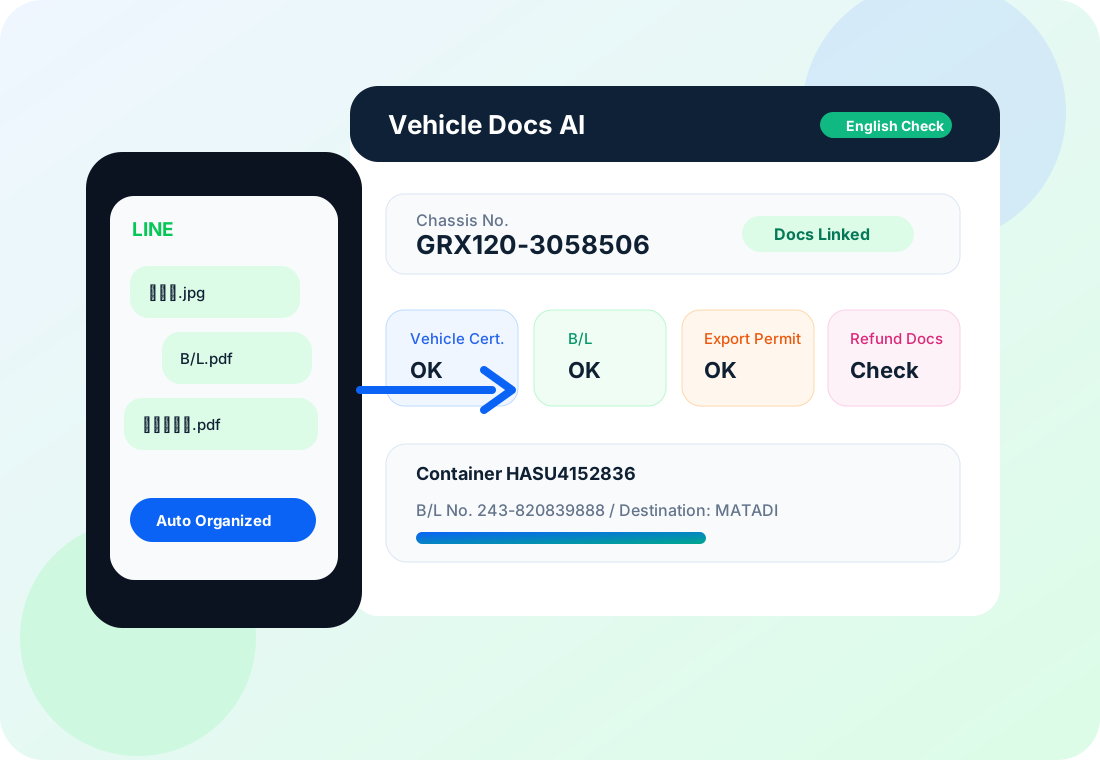
Check vehicle count, B/L, export vehicle information and certificate data by container.
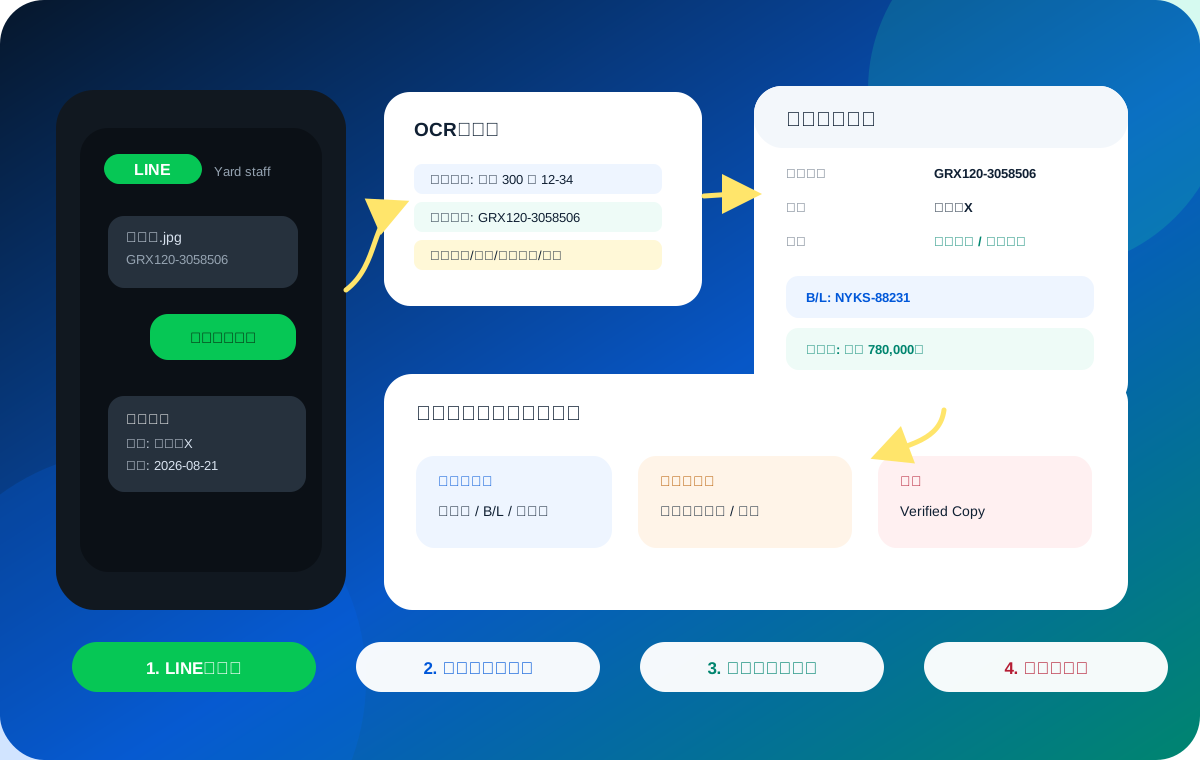
The workflow supports container folders, vehicle ZIP files and CSV lists for review.
Refund Application Agency Support
We first confirm the exported vehicle, available recycle-fee record and required shipping evidence.
Vehicle certificates, B/L or equivalent evidence and export vehicle information are checked and grouped by container.
After confirming the scope and service fee, we can support or handle the refund application for eligible vehicles.
Related details