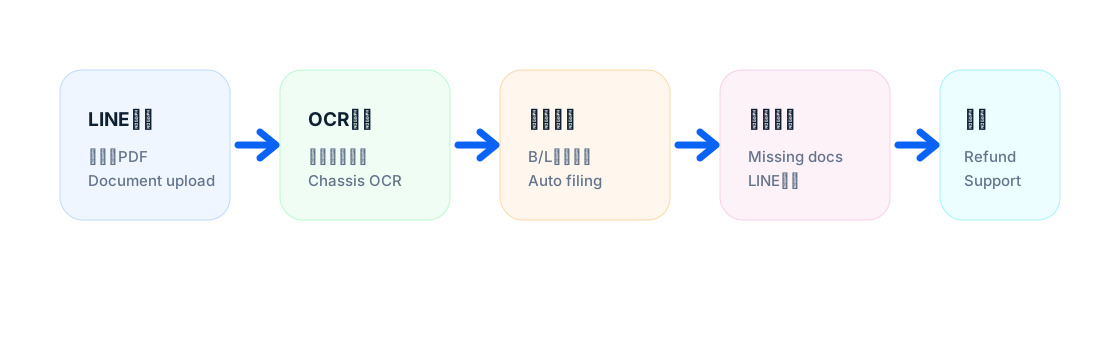
LINE checks
Check inventory, summaries, missing documents and containers from a phone.
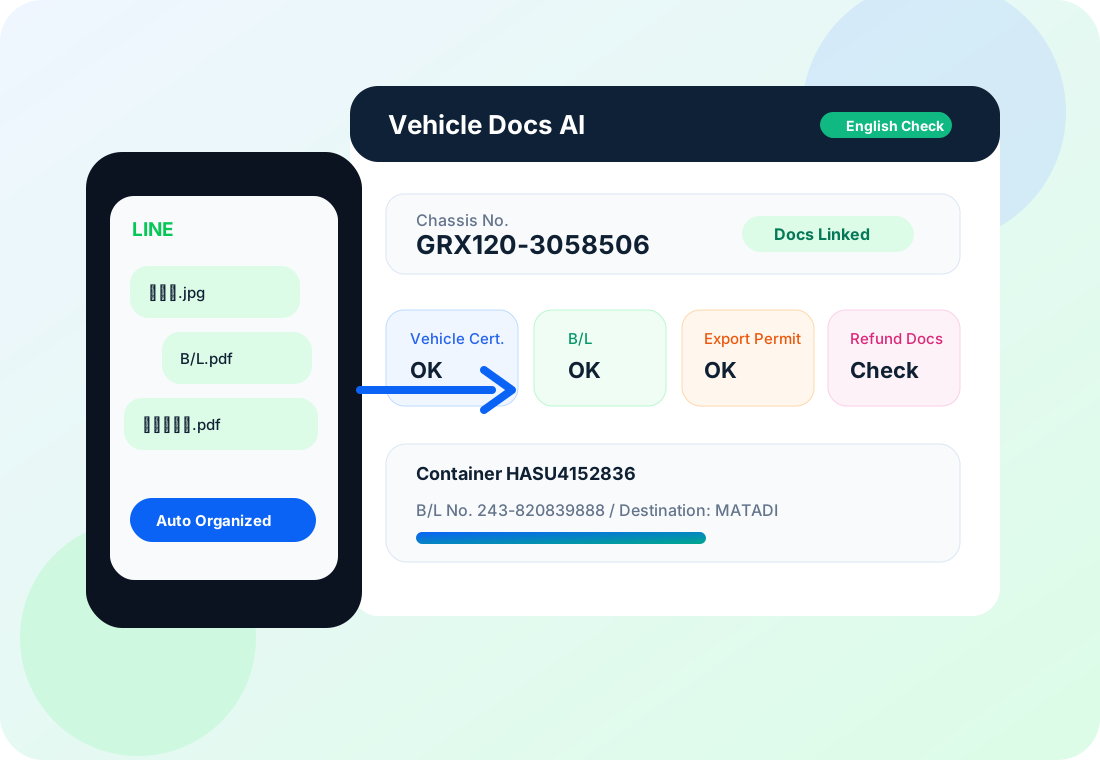
 Vehicle Docs AI LINE Workflow
2. Manage from LINE
The two-button menu opens vehicle lists and work summaries. Uploaded files and manual corrections are connected back to the vehicle ledger.
Operational view
Check inventory, summaries, missing documents and containers from a phone.
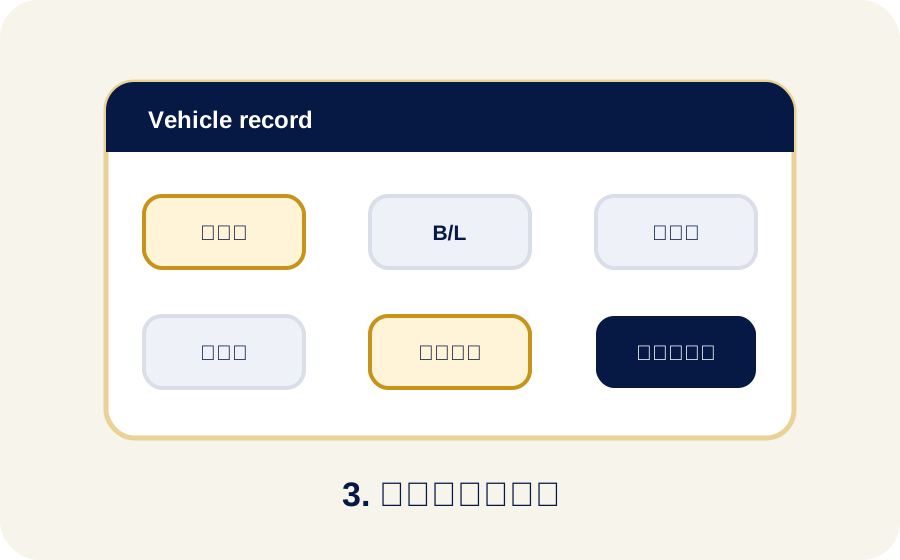
Keep only relevant fields for each vehicle status so the spreadsheet stays readable.
Field problem
Long rows and too many columns make it hard to find the next action quickly.
If a wrong button is tapped, the workflow should allow canceling or moving back without starting over.
When OCR misses model, date or amount, the team needs a direct way to correct it from LINE.
Stock, exported and sold status should be updated without searching through the whole sheet.
LINE operation
Management screen
Stock keeps stock fields, exported vehicles keep export fields, and sold vehicles keep sale fields.
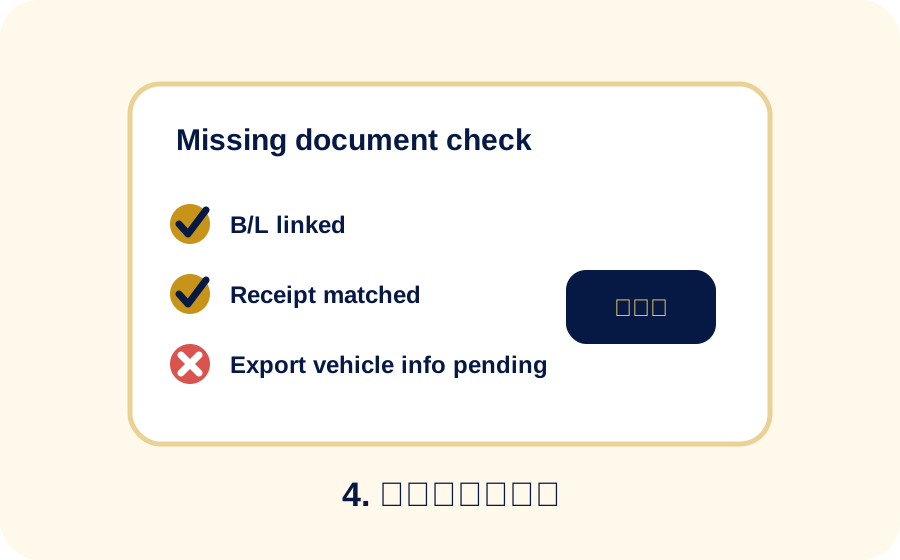
Next actions, missing documents and unprocessed uploads can be checked from LINE.
Operational safety
Each step should provide a way to cancel or return to a previous menu.
Unreadable fields can be corrected with quick input prompts and manual text.
Main sheets stay simple while logs and settings remain available behind the operation.
Related details