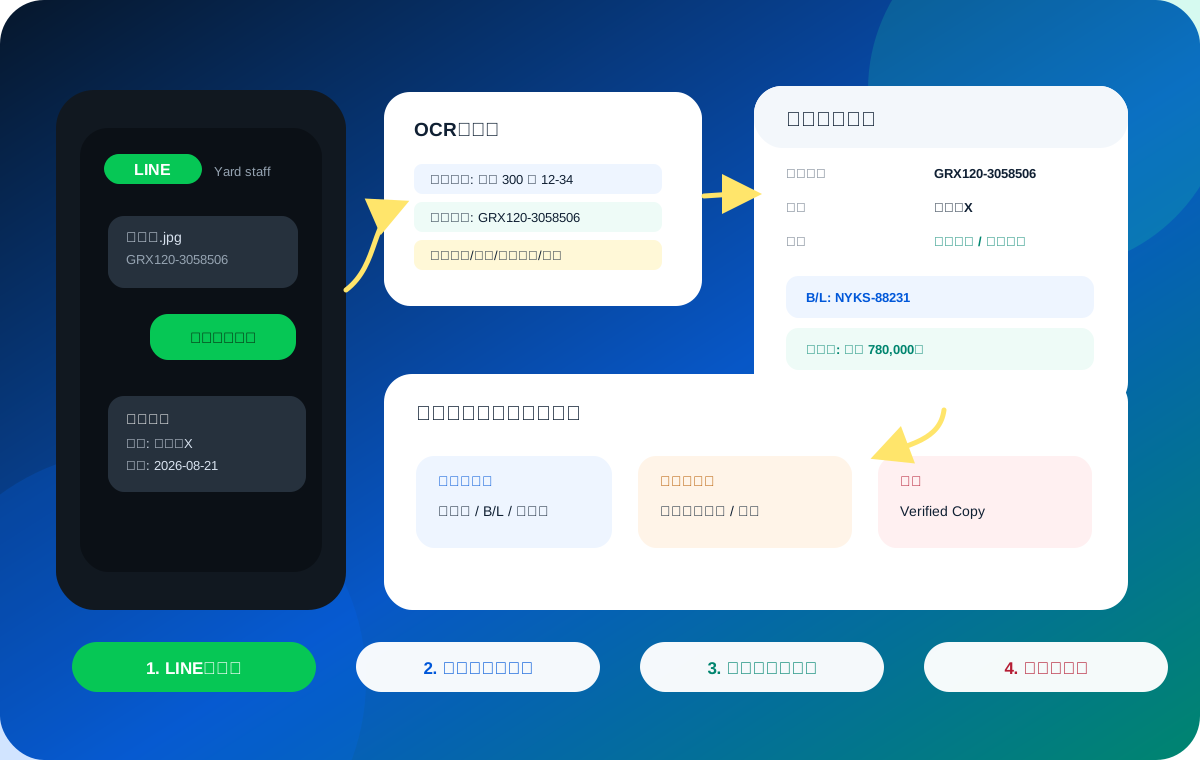
Container grouping
Group all vehicles under the same B/L or Sea Waybill by container number.
 Vehicle Docs AI Container Docs
3. Group by container
Read B/L number, container number, vessel, destination and chassis-number lists from documents sent on LINE, then match them to inventory vehicles.
Shipment view
Group all vehicles under the same B/L or Sea Waybill by container number.
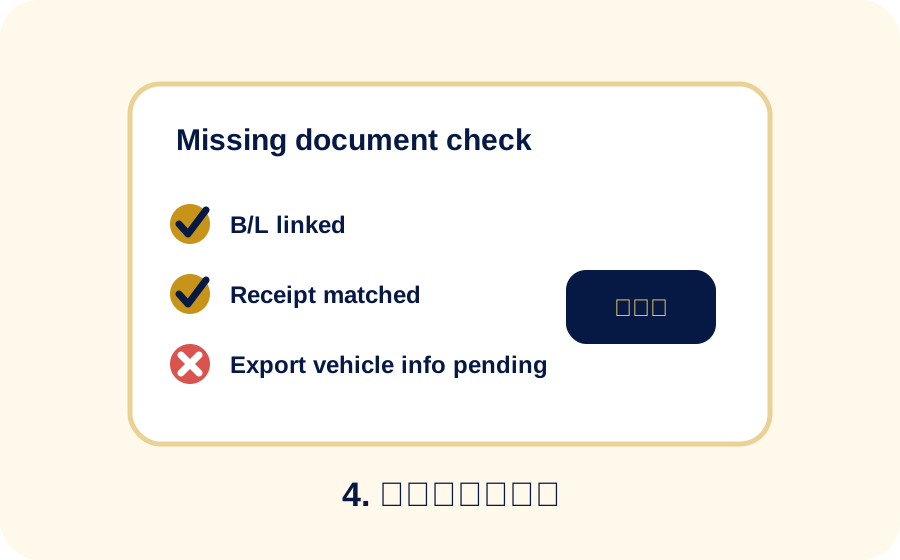
Check whether B/L, export permission information and vehicle certificates are present.
Field problem
Even when the B/L number is captured, the team still needs to know which chassis numbers are in the same container.
Small differences in chassis number formatting can create extra manual checks.
Sea Waybill, VERIFIED COPY and export vehicle information may need to be treated as equivalent evidence.
Recycle fee refund preparation becomes slower when vehicles are not grouped by container.
Fields to read
Organized result
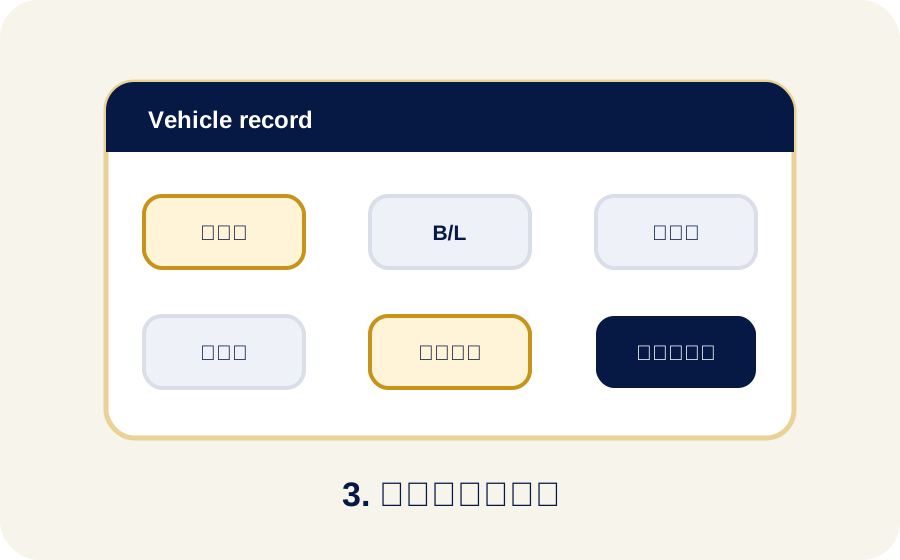
Vehicles in the same container are listed with B/L, export date, destination and chassis numbers.
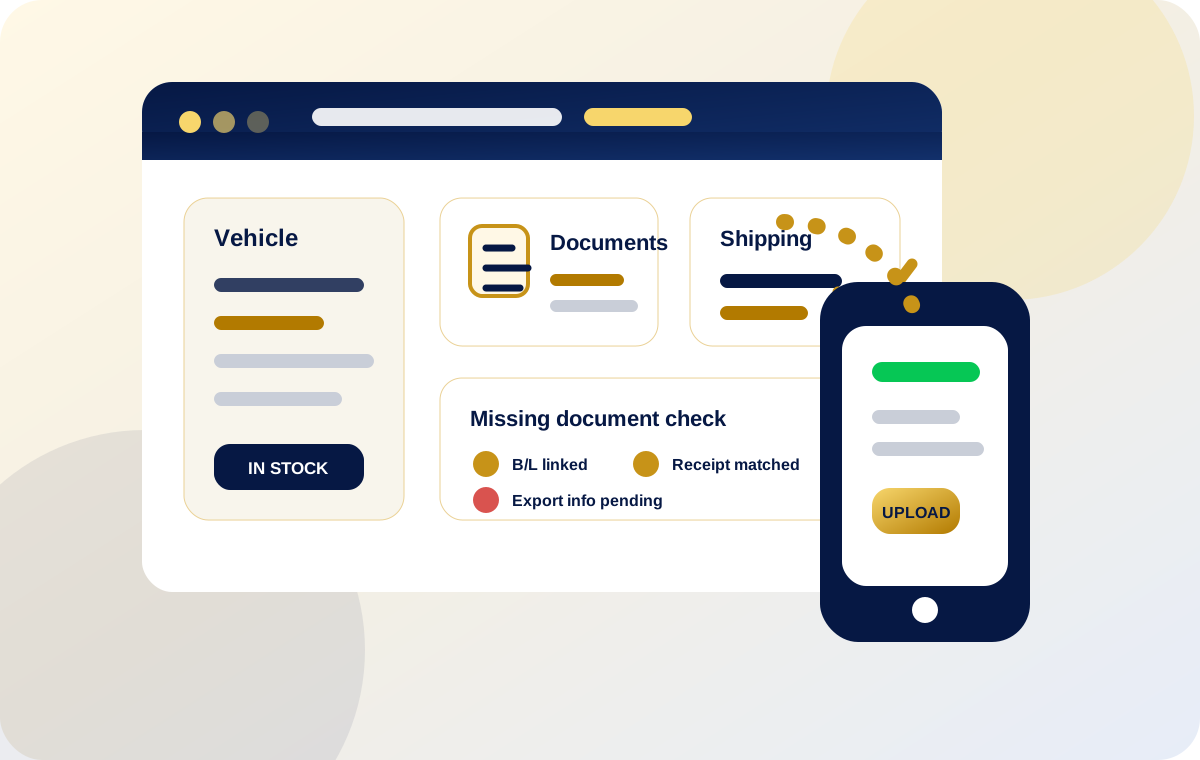
Exported vehicles keep export-specific fields separately from stock vehicle fields.
Checks and caution
Equivalent B/L documents should not be marked missing just because the title wording differs.
If export vehicle information is missing, the refund-preparation step should show it clearly.
Tables, multi-page PDFs and chassis-number OCR still need final review before use.
Related details