Certificates
Read registration number, chassis number, maker, model, first registration and expiry dates.
 Vehicle Docs AI Document Reading
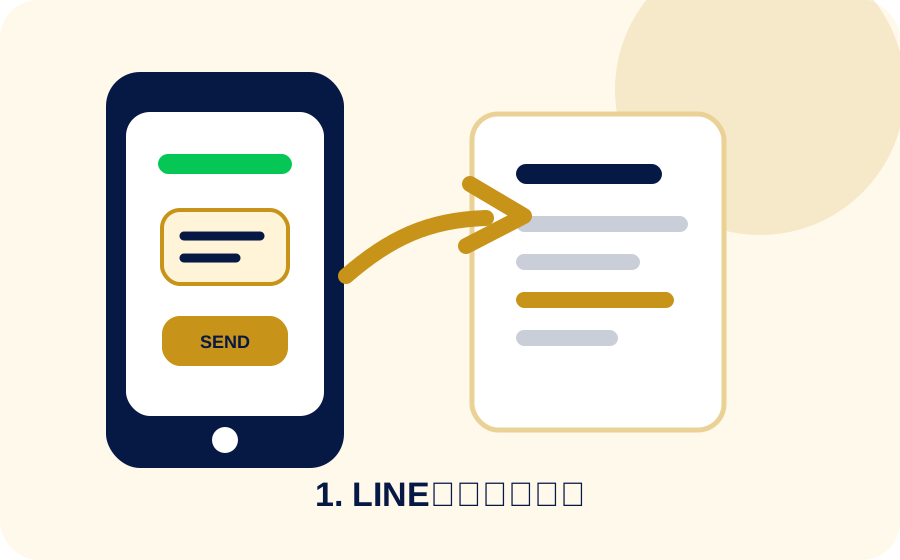
1. Upload documents
Vehicle certificates, receipts, invoices, B/L, export permits and export vehicle information are read and organized by chassis number.
What it reads
Read registration number, chassis number, maker, model, first registration and expiry dates.

Read amounts, dates, counterparties and vehicle references for purchase or cost records.
Field problem
Registration number, chassis number, first registration and expiry dates are easy to miss when your staff is not used to Japanese forms.
Amounts and dates are not enough. The document has to be linked to the correct vehicle record.
Documents arrive through LINE, Drive, paper and email, then must be reorganized by vehicle.
The workflow helps foreign exporters in Japan focus on key fields instead of reading every label manually.
Reading flow
Organized result
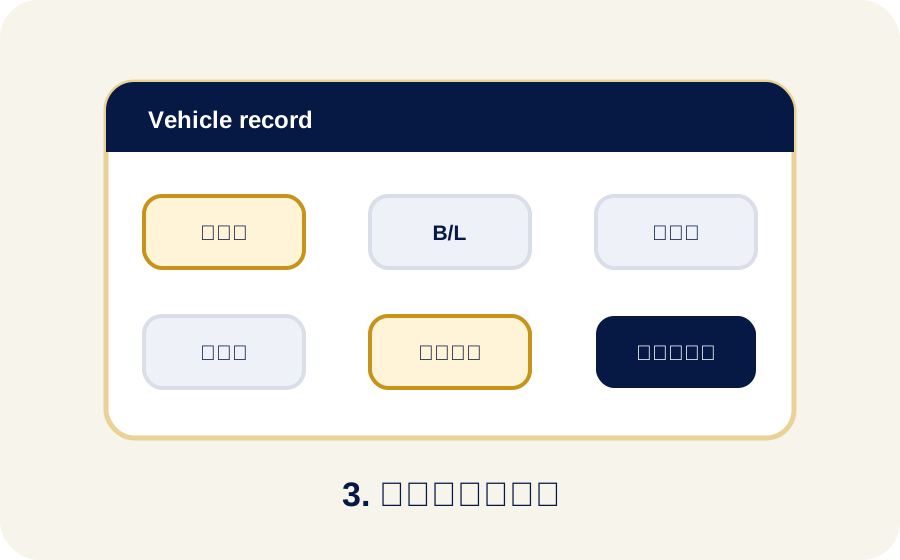
Documents are organized around the chassis number so stock, export and sale status can be checked later.
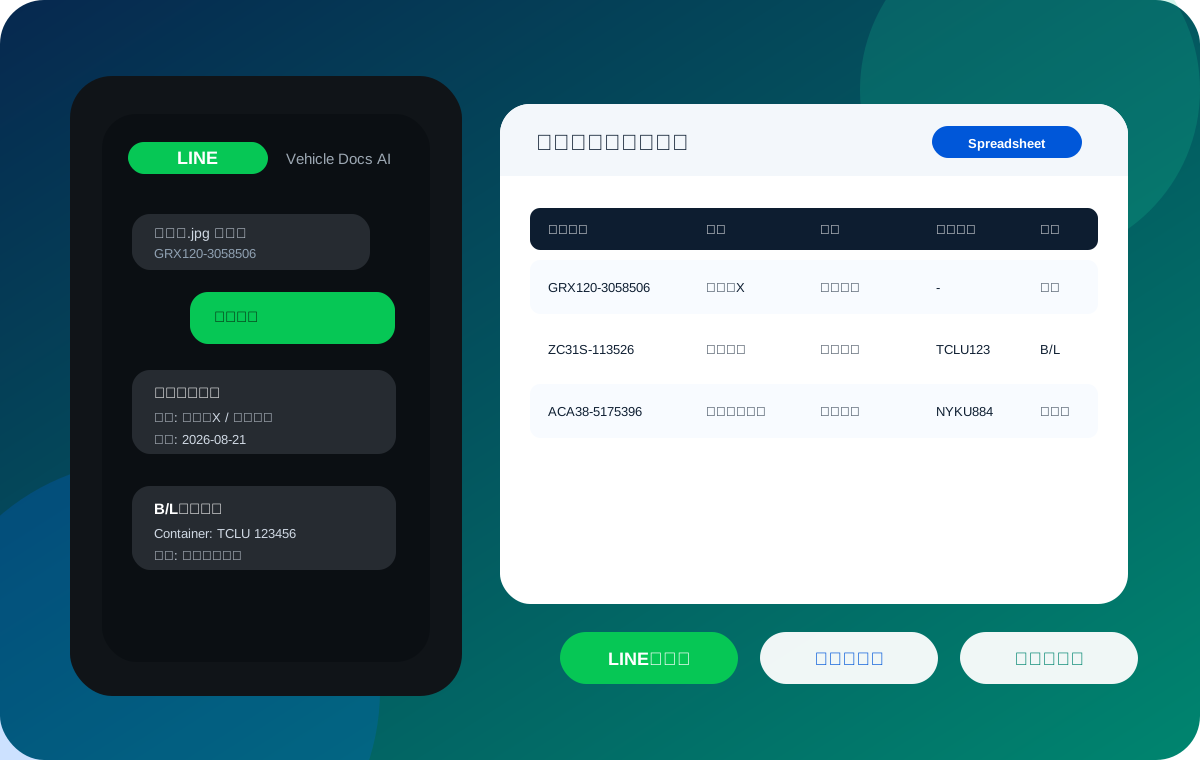
Your team can start from LINE instead of searching for the correct spreadsheet screen.
Trust and caution
Read results should be checked and corrected before they become final records.
Blur, glare, folded pages and handwriting may need resending or manual input.
You can mask unnecessary personal information in sample documents before asking for a demo check.
Related details